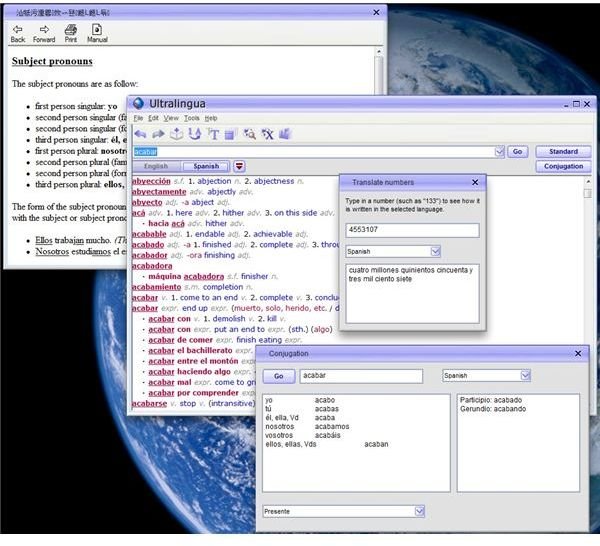
Ultralingua’s English-Spanish Dictionary software is a relatively inexpensive language translation program that works well and really looks like a dictionary. The program comes in Windows and Mac versions. Curt Smothers, an online Spanish tutor, reviews this translating software.
Price to Value (5 out of 5)
At just under $30 (Windows) and $35 (Mac), Ultralingua is a good buy. It has a robust and excellent dictionary, an instant verb conjugator and several other useful tools that make it an excellent value for the price. (Add about $13 if you want to order a backup CD.)
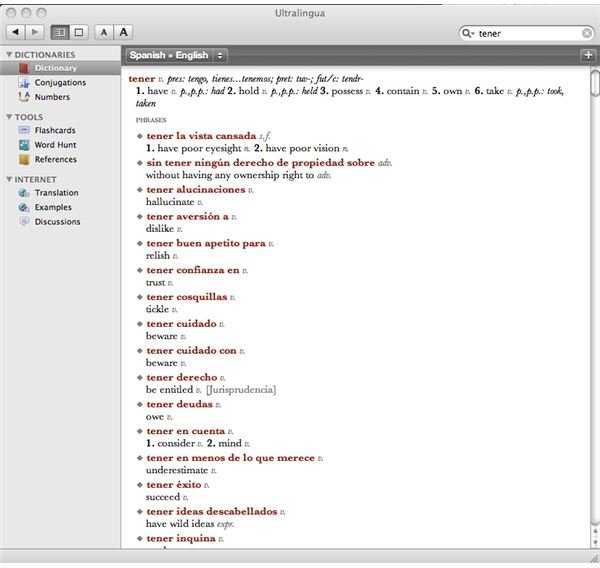
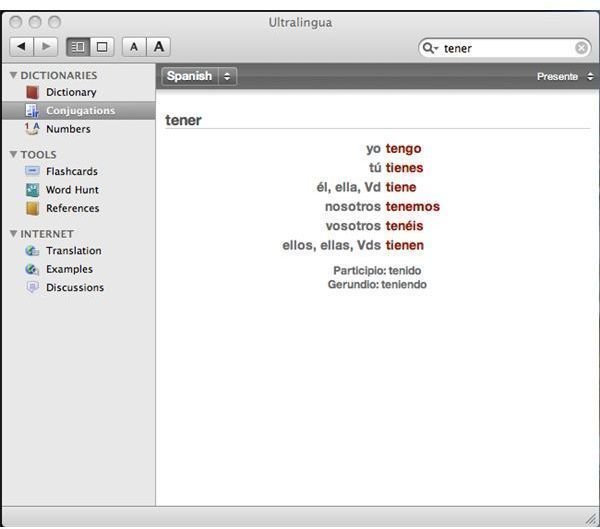
Windows and Mac Ultralingua Screenshots
Installation and Setup (5 out of 5)
Go to the Ultralingua website and choose your platform. Download a fully functional trial copy of the program that expires after nine
days. Downloading and installation is seamless, and the program is up and running instantly. To buy a license go back to the site and fill out the order form. Following the purchase, you get a registration key that you enter via the Help menu in the Windows version. (For Mac you click on the “Ultralingua/Licenses” menu.) There are virtually no setup problems or glitches.
Grammar Aids and Conjugation (4 out of 5)
Ultralingua comes with a very good Spanish and English grammar guide. The grammar guide covers the important basics (word stress, adjectives, verbs, etc.). While not comprehensive, it does offer a good basic lexicon and grammar foundation for the average user. The conjugation program is likewise quite good. If the verb is in the dictionary, its full conjugation is just a click away.
User Interface and Main Dictionary Features (4 out of 5)
The new Ultralingua user can get started immediately with no tutorial or special instructions. The interface is straightforward. Just click
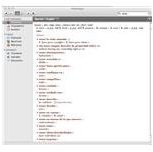
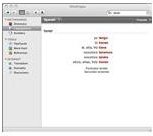
the English or Spanish button, enter your word, and you are taken instantly to the spot in the dictionary where the word, its derivatives and any related expressions are displayed. You can also add your own vocabulary (the Add Entry button in Windows, Command-N in Mac). Ultralingua fully integrates any new user added terms.
The user can “jump around” in the dictionary by means of red-lettered “hot links.” For example, under pedir there are several expressions. One is pedir limosna, which means “to panhandle.” Click on limosna and you jump to its meaning, which is “alms.” This gives the user a clearer understanding of the idiomatic by accessing the literal meanings.
The program also comes with a handy numbers-to-words converter. Click on the “1➙A” icon and enter the numbers in the top dialog box (1993, for example). You get an instant Spanish word translation (mil novecientos noventa y siete).
One feature that the Mac version has that the Windows does not is the flashcard maker. Mac users can control-click a vocabulary word and add it to a flashcard list that can be played randomly or sequentially on a full and animated screen. You can save your own specialized and group listings of terms as a study or memory aid.
Web Access and Support (4 out of 5)
The Ultralingua web site offers a full array of support and additional English and foreign language modules that you can add to your
computer. For example, you might be interested in downloading a good English Dictionary and Thesaurus, which integrates nicely with your translator. (There are times that you actually need to look up an English word translated from Spanish.)
If what you need is not in the dictionary, Ultralingua will help you find it through its Internet search for examples. If you are looking for a full translation of a paragraph or a web page, Ultralingua will take you to Google’s Language Tools site to get you started. (Of course, full translation programs aren’t usually all that good, given the idiomatic differences between language. )
Overall Evaluation (4 out of 5)
Ultralingua is a reasonably priced and well-equipped English-Spanish program that does a good job. Windows and Mac users will like the slick interface and the fact that they can add their own vocabulary and expressions. The program’s layout more closely resembles a dictionary, rather than a “boxy” database. I give this product a solid “thumbs-up.”